
Product Review
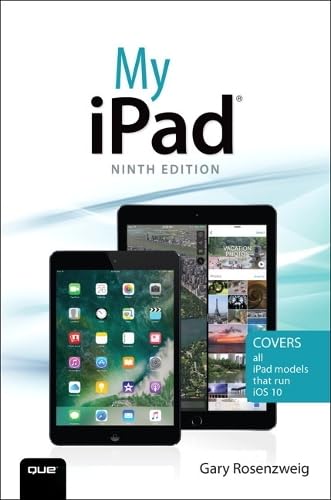
Covers all iPad models that run iOS 10
My iPad offers a full-color, fully illustrated, step-by-step resource to using your iPad. Each task has corresponding visuals that are numbered to match the step they are referring to. Sidebars give additional insight into using the iPad without requiring you to sort through paragraphs of text to find the information you want. Tasks are clearly titled to help you quickly and easily find things you want to accomplish on your iPad. Everything from setup and configuration to using apps like Pages and Maps is clearly illustrated and easy to follow.
Â
Step-by-step instructions with callouts to iPad photos that show you exactly what to do.
Help when you run into iPad problems or limitations.
Tips and Notes to help you get the most from your iPad.
- Connect your iPad to your Wi-Fi and your mobile carrier
- Learn how to use the on-screen keyboard, predictive text, and dictation
- Use Control Center to control frequently used settings
- Use Siri to control your iPad or get information by speaking commands
- Use iCloud to keep everything current between all your iOS devices (and even your Mac), including music, photos, messages, documents, and more
- Surf the Web, and send and receive email and messages
- Download and install apps to make your iPad even more useful
- Secure your iPad using Touch ID, passcodes, and other security measures
- Record and edit video using iMovie for iPad
- Take photos, and then edit them using the Photos app
- Use the iPad's two cameras to take pictures and video and share them with friends or chat with them live
- Use AirDrop and iCloud Drive to share files and information with your other devices
- Use your iPad to take notes, make lists, draw sketches, and create reminders
- Use FaceTime and Skype to stay connected with friends and family
- Use Pages, Numbers, and Keynote to create documents and presentations
- Discover some of the most useful and entertaining apps


