Product Review
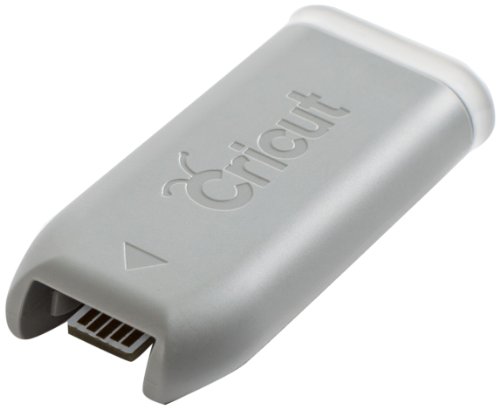
Connect your Cricut Explore machine to your computer wirelessly with the Cricut Bluetooth Adapter. Send your projects to your machine to cut or write without connecting via a USB for ultimate space, convenience, and freedom
- The Bluetooth adapter lets you design on your computer or iPad and create your projects wirelessly with the Cricut Explore machine
- Simply plug the adapter into the utility port on your Cricut Explore, pair your device, and start cutting
- Keeps crafting areas cord free
- For Bluetooth enabled Macs, PCs, and tablets. Compatible with Bluetooth 2. 1+ EDR and iPad 2 and newer (iPad app required); Check User guide for Pairing a Mac with Cricut Explore via Bluetooth and User Manual for Pairing a PC with Cricut Explore via Bluetooth adapter
- Works with Cricut’s new Make it Now project app, available free in the App Store
- The Adapter is not compatible with the Cricut Explore Air (newer version)