
Product Review
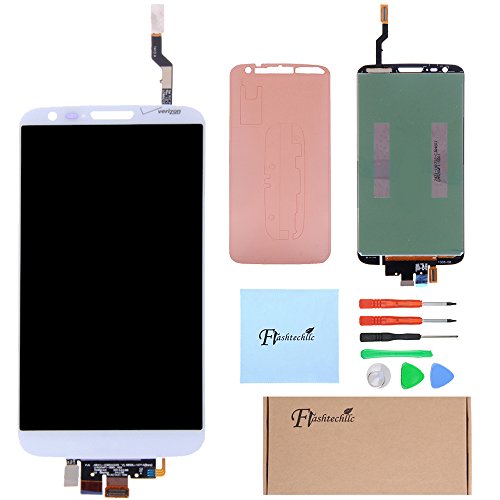
Note: since LG G2 VS980 lower cable is close to the display cable, so check whether the lower cable and display cable loose.In many cases ,when installing ribbon cable ,the other ribbon cables loose which lead to black screen and touch bad and dead center. Does not work: because there are two row of LG G2 VS980 touch screen.So there are 3 bad places are easy untouch.So we can divide the assembly into three parts.The first part is close to the receiver part, we call it the upper touch ;The second part is close to the cell phone buttons, we call it a lower touch.The third part is the screen don't touch but can touch up and down in the middle. 2.1: the upper screen untouch or partial untouch: under the condition of standby (mobile phone black screen) to install the upper touch the ribbon cable.Press the power button again (display screen) for testing.If can't touch please use alcohol to clean the ribbon cable . 2.2: the lower part of the screen untouch or partial untouch: under the condition of standby (mobile phone black screen) to touch bottom row line installation.Press the power button again (display screen) for testing.If can't touch please use alcohol to clean the ribbon cable. 2.3: Middle part of the screen untouch: Ribbon cable not fasten up and down is the main reason of the middle untouch.In most cases it's the lower touch wiring problem.Reinstall the lower touch cable on the standby environment..It also could reinstall the upper and lower touch cable.


