
Product Review
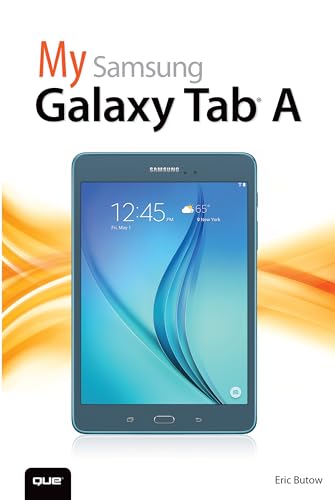
Friendly, quick, and 100% practical, My Samsung Galaxy Tab A is the must-have companion for every Samsung Galaxy Tab A user.
- Step-by-step instructions with callouts to photos that show you exactly what to do with the Galaxy Tab A 9.7 and Galaxy Tab A 8.0
- Help when you run into Samsung Galaxy Tab A problems or limitations
- Tips and Notes to help you get the most from your Samsung Galaxy Tab A
- Navigate Samsung Galaxy Tab A’s Android operating system
- Retrieve, play, and manage music, video, podcasts, and audiobooks
- Use Google Play as a portal to movies and TV content
- Capture higher quality photos and video
- Surf the Web quickly with the built-in browser
- Simplify your life with the Calendar and Contacts
- Send email, text, and multimedia messages
- Connect your Galaxy Tab A to other devices and the cloud
- Use your Galaxy Tab A as an eReader to read books and magazines online
- Find and share any destination with Maps
- Discover, install, maintain, and work with new Android apps and widgets
- Customize your tablet to reflect your personal style and preferences
- Keep your Galaxy Tab A software up to date, reliable, and running smoothly


