
Product Review
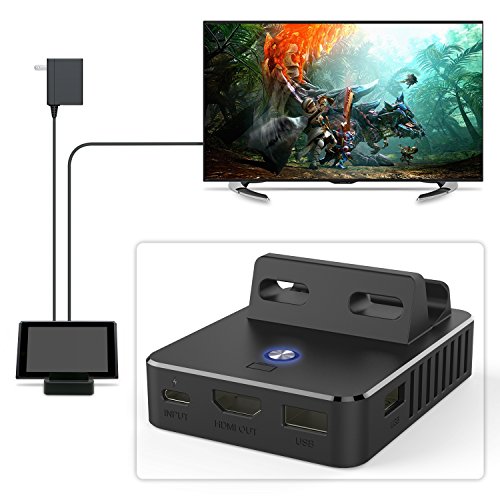
Feature: Cooling Structure One Key Switching Sturdy Material 4K HD Display Specially designed to replace your original Nintendo switch dock. How to use: Power by Original Type-C AC adapter. Connect HDMI and turn on TV/display screen. Turn on your Nintendo Switch then plug into the dock. After power on, Switch display turn to TV display, Switch Screen goes out and the blue light is ON. If you want to TV display turn to switch display, as long as press control button on the dock. You can play games while charging. If you want switch TV display again, please press the button again. Package Contents: 1 x Switch Replacement Dock Note: Please use the Original Type-C AC adapter. Our products have been well tested before delivery, if you have any problem please feel free to contact us.


