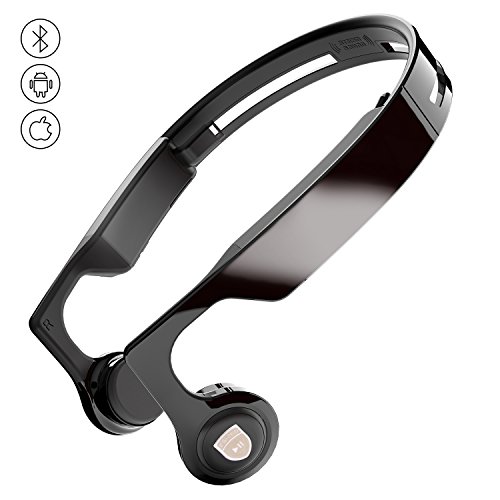

Product Review
How to Operate
Power On/Off
Press multi-function key for 3 seconds to turn on/off the headphones
Pairing
To pair ES-268 with your phone for the first time
1ã€when using the headphone for the first time ,please ensure the bluetooth of the device to be conntected is on.then press the multi-function key for 5 seconds. At that time ,you can hear the notice "power on enter pair",release the button after the notice is over.
2ã€Searchin for the bluetooth device named "ES-268" in the list of bluetooth devices for pairing.
3ã€The hesdphone will be connected in a few seconds,after which,you can hear the notice "conntection successful".
4ã€For unsuccessful connection ,please re-conntect the device after the headphone is powered off according to the step 1,2,3.
NOTE
1ã€once the bluetooth connection is successful,the realtime battery level of the headphones will be indicated near the bluetooth icon on the notification bar of iphone,ipad and Android phones/pads
2ã€the battery level may not be 0 when you unpack the headphones.however,we recommend you charge it if fully before using the headphones for the first time.
3ã€The maximum size of our products is 7.8inch/20cm.when you make a order please pay attention.
All products we sell can be changed or refunded in six months. If you have any problems, please feel free to contact us.

![Smart Bulb, Wigbow WI-FI Led Light Bulb Color Changing 5000K [A19 7W] 70Watts Equivalent. Mood Light Bulbs that Compatible with Alexa/Google Home [Dimmable] [Remote Control] [No HUB].](https://images-na.ssl-images-amazon.com/images/I/51g0y%2B91v6L._SL75_.jpg)


