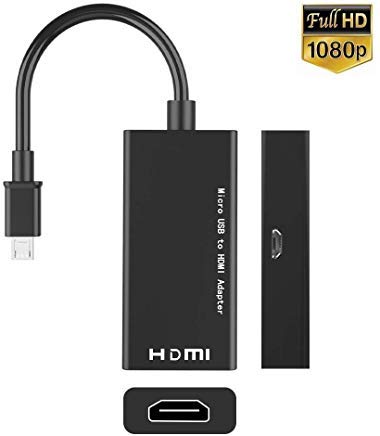

Product Review
Instructions
Step 1. MHL must be connected to Genuine S3 or S4 power adapter through the micro USB cable, the power adapter and the micro USB cable came with the phone. Computer's USB voltage may be not enough for power source.
Step 2. Use a good quality HDMI cable to connect the MHL adapter and TV, Please change the TV to HDMI channel ( consult your TV manual)
Step 3. It is all done, You should restart your S3 or S4.
Step 4. The MHL output doesn't need any settings, once you restart the phone then you can see all display on the TV from your phone.


![USB C to HDMI Adapter (4K@60Hz), uni USB Type-C to HDMI Adapter [Thunderbolt 3 Compatible] for MacBook Pro 2018/2017, iPad Pro/MacBook Air 2018, Samsung Galaxy S9/S8, Surface Book 2 and More - Gray](https://m.media-amazon.com/images/I/41MUrd3OdvL._SL75_.jpg)


