
Product Review
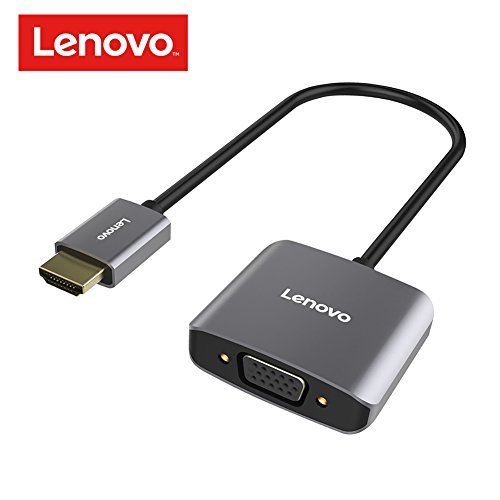
Lenovo HDMI to VGA Adapter provides an ideal solution for connecting a notebook or PC to a VGA display such as monitor, projector, or TV, enabling you to get an impressively enhanced video experience on your compatible device.
VGA Female Port: Up to 1920*1080P@60Hz resolution
Audio Port: Up to 48K/24bit audio sample rate
Plug and play: Yes, does not require any software, drivers, or complicated installation process
How to Use 1. Connect the male HDMI connector of the adapter to the HDMI port of the HDMI source.
2. Connect a VGA cable (sold separately) from the VGA female port of the adapter to the display.
3. Connect an audio cable (sold separately) to the audio port of the adapter for audio output.
4. Power devices with low-power HDMI via the Micro USB port (Micro USB cable and USB charger are sold separately.)
SPECIFICATIONS Product Model: Lenovo HDMI to VGA Adapter H201
Material: Aluminum alloy, ABS
Interfaces:
VGA female port x 1
Micro USB port x 1
3.5mm Audio port x 1
Connector: HDMI connector
Dimensions:
(L x W x H): 1.89 x 1.65 x 0.59inch/48 x 42 x 15mm
Weight: 1.46oz/41.5g


