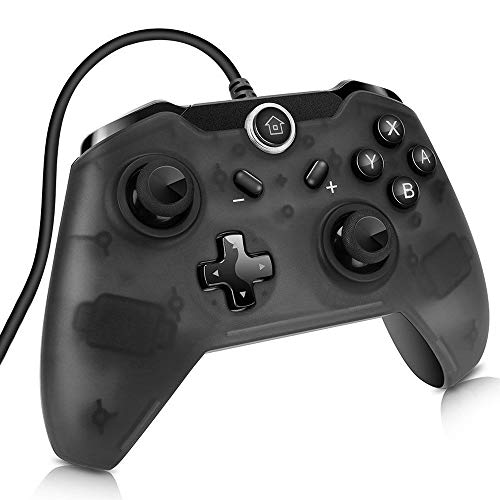

Product Review
Product Description
NOTE:
1. This controller doesn't support Xbox 360 games on PC, you need one extra step to make it work if you want to use, please download additional driver and install it from this link (Windows XP/7/8/10 system, NOT support IOS system): http://download.nsioutlet.com/E01420B driver.rar
2. This Wired Controller supports version update.Please contact us if you need update the firmware to match the latest version.
Product Specification:
Input voltage: DC 5V
Operating current: 30-40mA
Operating temperature: Ta=0℃~70℃
Dimension: 6.1*4.4*2.48 inch
Package Includes:
1 x Wired Controller.
1 x User Manual.
Questions & Answers:
Question 1: My PC doesn't recognize this controller when I connect it to my PC, why?
Answer: When you connect this controller to the PC, you need to wait for the controller driver to be installed in your PC automatically, the LED of the controller are solid bright when it's in PC mode. You can see the "Switch Controller" icon in your PC "devices", it means the controller driver is installed successfully then the controller can be used.
Question 2: When I plug this controller to the Switch console,there is no reaction, why?
Answer: You MUST switch the "Pro Controller Wired Communication" to "ON" at "System Settings" - "Controllers and Sensors" before connecting, then Plug and Play.
Question 3: Game sensor is too sensitive or very little sensitivity. How to Calibrate the Controllers?
Answer: From the HOME Menu select "System Settings" - "Controllers and Sensors" - "Calibrate Control Sticks", then press down on the control stick for the controller you want to calibrate, follow the on-screen prompts to verify the control stick functionality.


