
Product Review
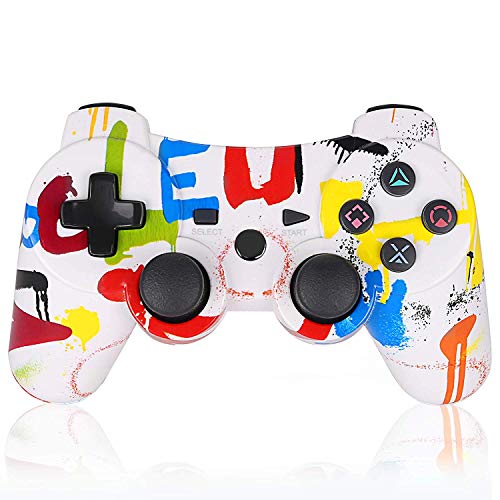
We have selected two new products. I need to admit I like their color very much.Â
They look very pleasing to the eye (I hope someone can help to prove me right.)
Waiting for people to verify.........
We also provide a lifetime warranty. If you have any questions or problems about our products, please let me know.
Â
How to sync it to PlayStation 3?
 1. Connect the cable (included), charge for 10 minutes; press the middle round button intermittently for 5 seconds until only 1 indicator works.
2. Then disconnect the cable, wait for one or two minutes. It will pair Bluetooth automatically with the console (The 4 indicators will stop blinking, instead only 1 indicator remains bright, meaning it is connected already).
- If you can't sync to your console by Bluetooth, please restart your PS3 console and check your sync cable, then operate it again according to the instruction above.
- If your controller can't be charged normally, please reset it at first. There is a small hole on the back of the controller;you can press it with a small pin.
Â
Package Included:
1 x Wireless PS3 Controller
1 x Mini USB Cable
Â
Â


