
Product Review
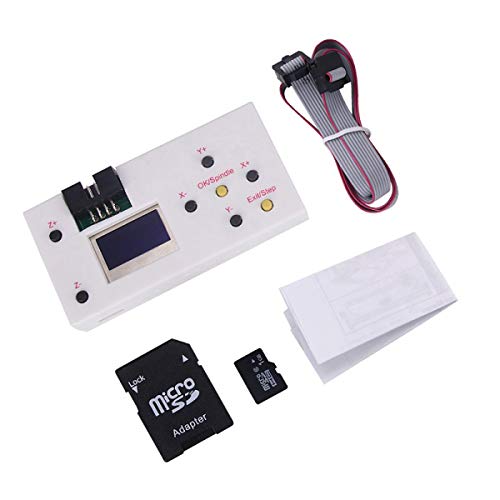
GRBL hand controller function:
1. Manually control: manually adjust X, Y, Z axis location as engraving starting point, manually open or close spindle, manully open or close cooling fan.
2. File engraving: after off-line controller save file, it can connect the GRBL control board and process engraving, no need to connect PC computer.
3. Save file: after the off-line controller connect PC, it will be recognized as USB, large capacity storage device, can access engraving file directly.
SD shows it is SD card condition, turn on power supply after insert SD card, otherwise, it won't work. SD card capacity 4G could be recognized.
Specification:
Press Z+ and Z- , the Z axis will move up and down.
Press X+ and X- , the X axis will move left and right.
Press Y+ and Y- , the Y axis will move Front and Back.
Press SPIN : Spindle on (Laser on ), Spindle off (laser off)
Press SMOD: return
Press Z+ for 5 seconds , change the Language to English.
Press X- or X+ button to switch
Control:Press confirmation button to access manually controlling page
File:Press confirmation button to access file page
Set:Press confirmation button to access setting page
On the off-line controller, buttons control corresponding actions.
SPN is spindle controlling,should press SPIN.
Fan is fan controlling, should press SMOD.
Package include:
1x Offline Controller with SD card


