
Product Review
How it works
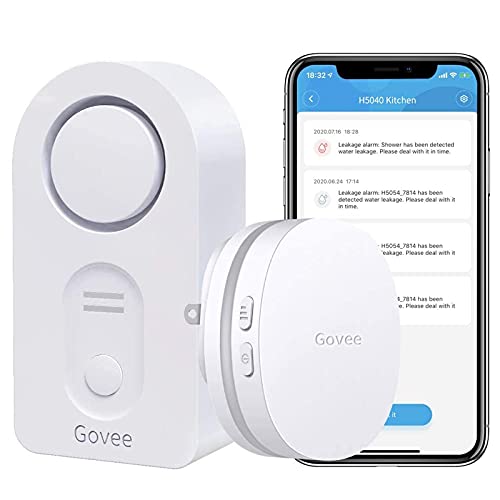
1: Plug the Wifi gateway into socket, pull out the water sensors battery insulating tab.
2: Download 'Govee Home' on App Store or Google Play to your cellphone.
3: Open the app and sign up with your email account.
4: Click the icon '+' at the top right corner and select H5040 device.
5: Follow the app prompt to connect your wifi Gateway with your router(not support 5G wifi).
6: Name each sensor like Basements, Kitchen Sinks, Water Heaters and put the water sensors on the detecting location.
7:Get email, Push notifications and alert on your smartphone when leak happened


![Govee WiFi Water Detector, 100dB Loud Audio Water Leak Detector Wireless Water Sensor with Email, Notification, App Alerts, Remote Monitor Water Detector for Home Basement[Don't Support 5G WiFi]](https://m.media-amazon.com/images/I/41B7CTKQB-L._SL75_.jpg)

