
Product Review
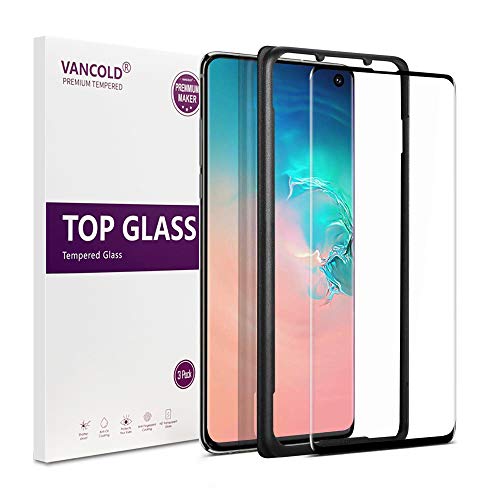
Vancold Screen Protector For Samsung Galaxy s10 (3D Full Coverage,Fingerprint Compatible) Package Includes: 1 x Screen Protector 1 x Dust Removal Stickers > 1 x Installation Frame 1 x Alcohol Cleaning Wet and Dry Wipes How to install: 1.Clean the phone screen thoroughly using the included wet & dry wipes and Dust Removal Stickers. 2. Take off the case(if has), Peel off the thin, clear, protective layer (with tab) from the screen protector, Align with loudspeakerand and drop the protector slowly on the screen(Edge to Edge) Note: If air bubbles are present, use hard card to push bubble from the center away to the edge of the phone screen.


![[4 Pack] Screen Protector for Galaxy S10, apiker Upgraded Full Coverage Screen Protector for Samsung Galaxy S10 - HD Clear Film, Case Friendly](https://m.media-amazon.com/images/I/41gxVP3t7dL._SL75_.jpg)


![MP-MALL [3-Pack] Screen Protector for Samsung Galaxy S10e 5.8" Tempered Glass [9H Hardness] Case Friendly [Easy Installation Frame]](https://m.media-amazon.com/images/I/41sB3rJJ3WL._SL75_.jpg)

![Alinsea Screen Protector for Galaxy S10 Tempered Glass [Not for S10 Plus/S10E][Full Adhesive][Fingerprint Sensor Compatible][3D Glass][Case Friendly] Anti-Scratch for Samsung Galaxy S10](https://m.media-amazon.com/images/I/41VaX9uyG-L._SL75_.jpg)