
Product Review
Notice:
Please remember to charge the controller first before using.
The Switch Pro controller may run out of power after a long journey.
How to connect Nintendo Switch Pro Controller to the console ?
The first time:
Press and hold the HOME button 5 seconds on "Change Grip/Order"page, and 4 indicators blink fast. It will connect with the Nintendo Switch console when the indicator stops blinking.
The second time:
Press the HOME button on any page, and 4 indicators blink slowly. It will connect with the Nintendo Switch console when the indicator stops blinking.
Product Features :
Ergonomic Design:
According to the human hand size scale design, customized feel more enjoyable.
Our controller is designed with anti-skid, anti-sweat and non-release, which enhances the grip feeling and makes you feel comfortable in fierce fighting.
Low battery alarm:
When the light of the corresponding channel flask slowly, indicates the low power of the controller, please charge it in time.
Reception distance: The reception distance of the controller should be over 8 meters. Reset: If the controller is abnormal, please try to reset it by pressing the 'Reset' button in the back of the Switch Pro controller.
You will receive:
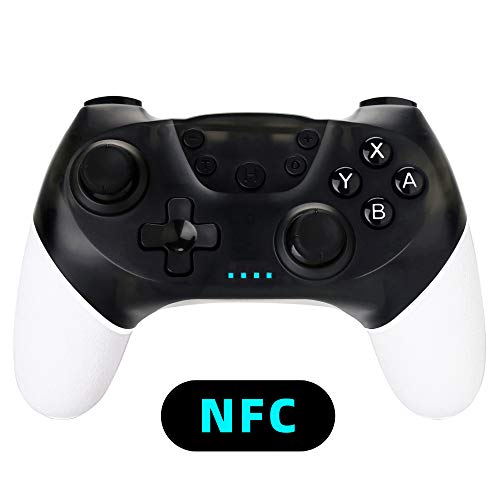
1xNintendo Switch Pro Controller
1x4ft charging cable.
Sweet Service :
We provide post-sale service. If you have any problems, please contact us.
We are trying our best to give you the 100% satisfactory purchasing experience.We will give you the reply immediately during our business hours when we see your message.


![[New Version]Charger for Nintendo Switch Pro Controllers and Joy-Cons,Charging Stand for Nintendo Switch with 2 Type-C USB Ports and 1 Type-C USB Charger Cable](https://m.media-amazon.com/images/I/51jgeVrAXUL._SL75_.jpg)

