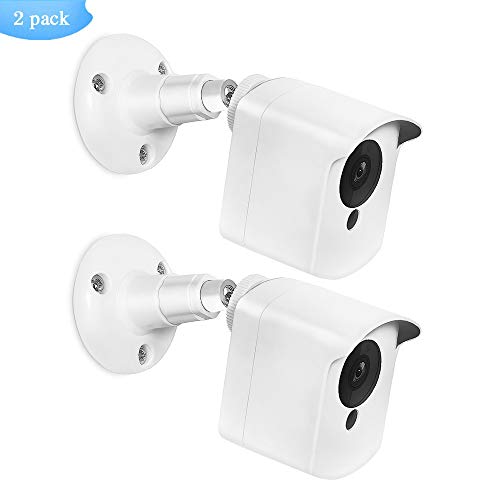

Product Review
-Material: Sturdy Metal+High Solidity ABS Plastic
-Color: White
How to install:
1.Tighten the wall mount by hand (adjust to desired Angle)
2.Put the cameras into the protective cover and put 4 small screws into 4 holes on the back cover, and then tighten them with a screwdriver
3.Plug the base screw into the back hole of the protective cover
4.Fix the base bracket on the wall with three screws
5.The camera wall mount bracket is perfected installed
Note:
If you received the protective cover that has already been installed, Please unscrew the four small screws of the back cover with a screwdriver before step 2, then open the back cover to put the camera in.
Â
Package content:
2 x Protective cover
2 x Wall mount
1 x screwdriver
Necessary Wall screws and Screw Anchors
Warm notice:
WyzeCam 1080p cam and iSmart Alarm Spot cam are not contained.
The brands have been mentioned above are for reference purposes only.


