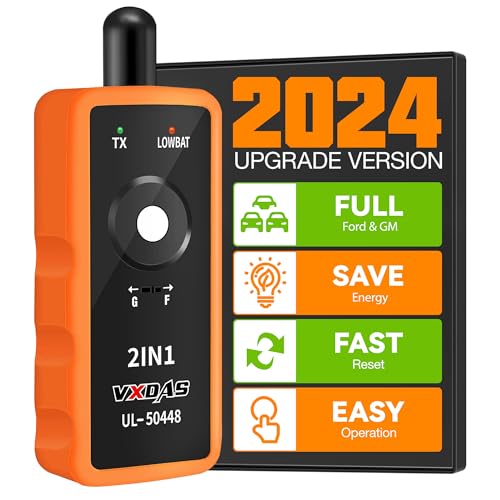

Product Review
VXDAS UL-50448 TPMS relearn Tool works on all General Motors and Ford series vehicels (Opel, Buick, Cadillac, Chevrolet, GMC, Ford, Lincoln, Mercury) manufactured for the North American market.
When you need this tire relearn tool?
1. New TPMS sensors installed, letting air out or adding air in to the tire couldn't make the system recognize new sensors.
2. Do tire rotation, didn't have a quick and easy way to let ECU relearn new tire information.
3. When tire pressure indicator light ON, after the maintenance performed, the tire pressure needs to be reset to turn off the TPMS light.
4. Low tire pressure or leakage /replacement or installation of tire pressure monitoring equipment / tire replacement, sensor damage, etc. After those problems solved, TPMS needs to be reset.
6.Exchanging the winter tires or Summer tires.
How to set your car in TPMS re-learn mode?
For GM series vehicles
1. Make the gear in P position.
2. Use cruise to choose TPMS re-learn mode in the dashboard settings.
3. Horn will ring once and TPMS indicator flashes, then learning mode has been entered successfully. If equipped, the message center will display the front left (LF) tire.
For Ford series vehicles
1. Make the gear in P position.
2. Ignition switch to OFF, press and release the brake pedal.
3. Turn ignition switch from OFF position to RUN position 3 times and end at RUN position.
4. Depress and release the brake pedal.
5. Ignition to OFF position.
6. Ignition goes from OFF position to RUN position 3 times and ends at RUN position.
7. Horn will ring once and TPMS indicator flashes, then learning mode has been entered successfully. If equipped, the message center will display the front left (LF) tire.