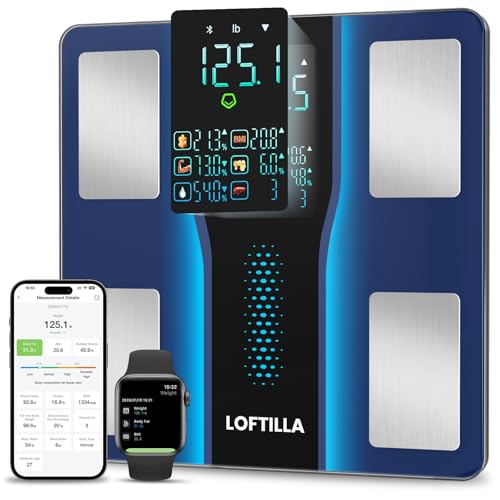

Product Review
Easy to Use:1. Place your scale on a hard, flat surface,
2. Step on to turn on the scale, then step off to let it calibrate. Wait until you see it displays '0.00', then step on again to measure your weight.
3. Keep standing on the scale until the digits on the screen flash 2 times with your final measurement.
Get started with App:
1. Search and download Loftilla Plus App in Apple App Store or Google Play.
2. Turn on Bluetooth (Location permission required for Android users) in your phone and start App.
3. Tap '+' in the top right corner and choose 'Device management' on the 'measurements' page. The App will ask you to step on the scale to turn it on, find and tap 'CS20B' on the pairing page.
4. Keep standing on scale for 5-10 seconds, then you can find your weight shows in both LED display and your Mobile App, you can also get your 14 measurements in App at the same time.
How to connect with WiFi?
1. With the above steps, you made an initial measurement using the Bluetooth connection. Now on the 'Select Wi-Fi' page, tap 'Wi-Fi Configurations' button.
2. Select a Wi-Fi network. Type in the network password, and then tap the 'Next' button.
3. In the Wi-Fi 'Connect' Page. Don't close your app during the connection period. Once done, the configuration is complete.
4. To test your Wi-Fi configuration, close your App, and use the scale to make a new mesurement. When finish, re-open your App again, and your new data should be already recorded.
By now, your App setup is complete with both Bluetooth and Wi-Fi connections.
5. If Wi-Fi connection was not setup initially, you can setup later: On 'Measurements' page, tap '+' at the top right corner, then select 'Device Management', tap 'CS20B' to enter the 'Select Wi-Fi' page. It is in the above Step1. Then follow the instructions to complete step 2-4 to finish Wi-Fi configurations.


